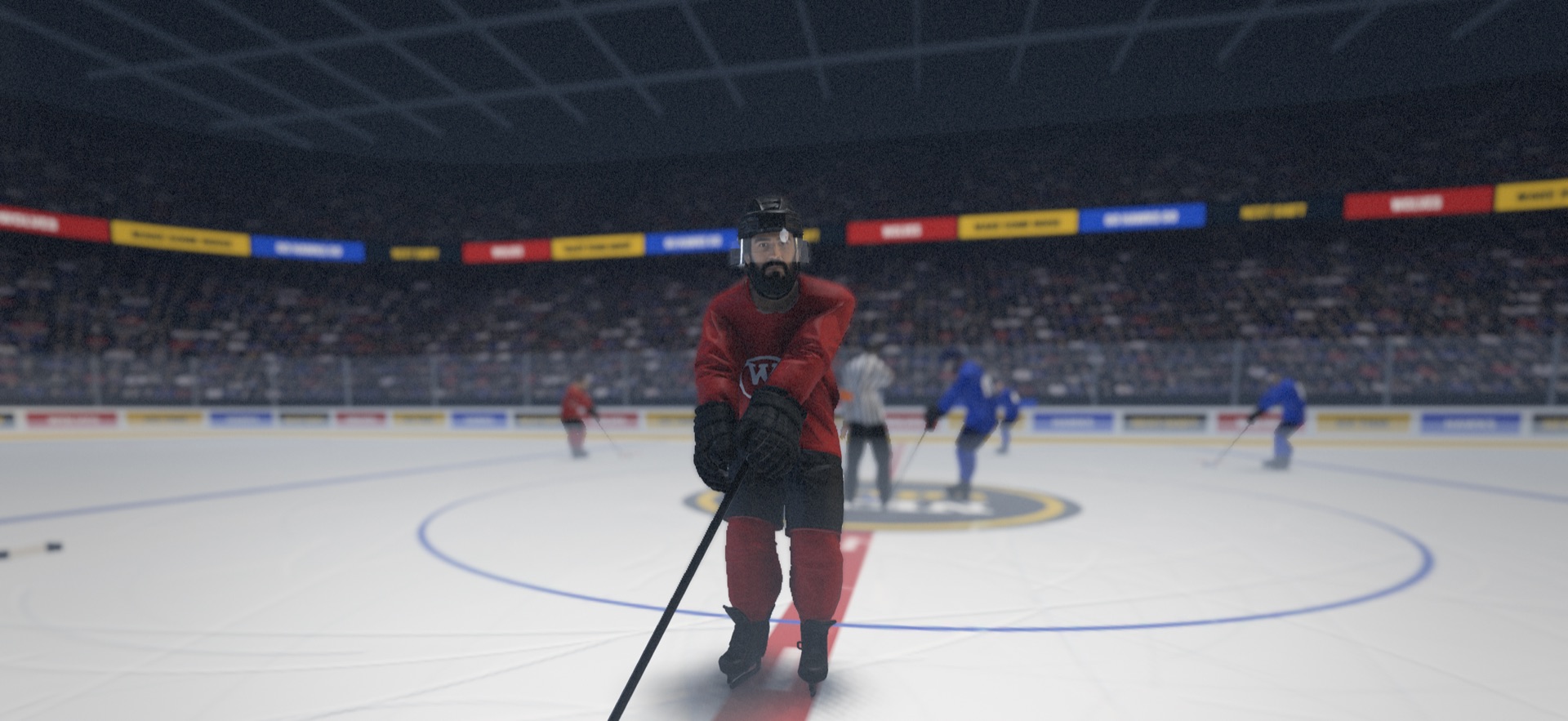
NEXT SHIFTHOCKEY RIVALRY
First-person hockey and bare-knuckle fights. Play centre from inside the helmet, then drop the gloves.
Your shift, your fight
Skate with your left thumb, handle the stick with your right, or play with a keyboard and mouse on a Mac. A game controller works on all three.
Inside the helmet
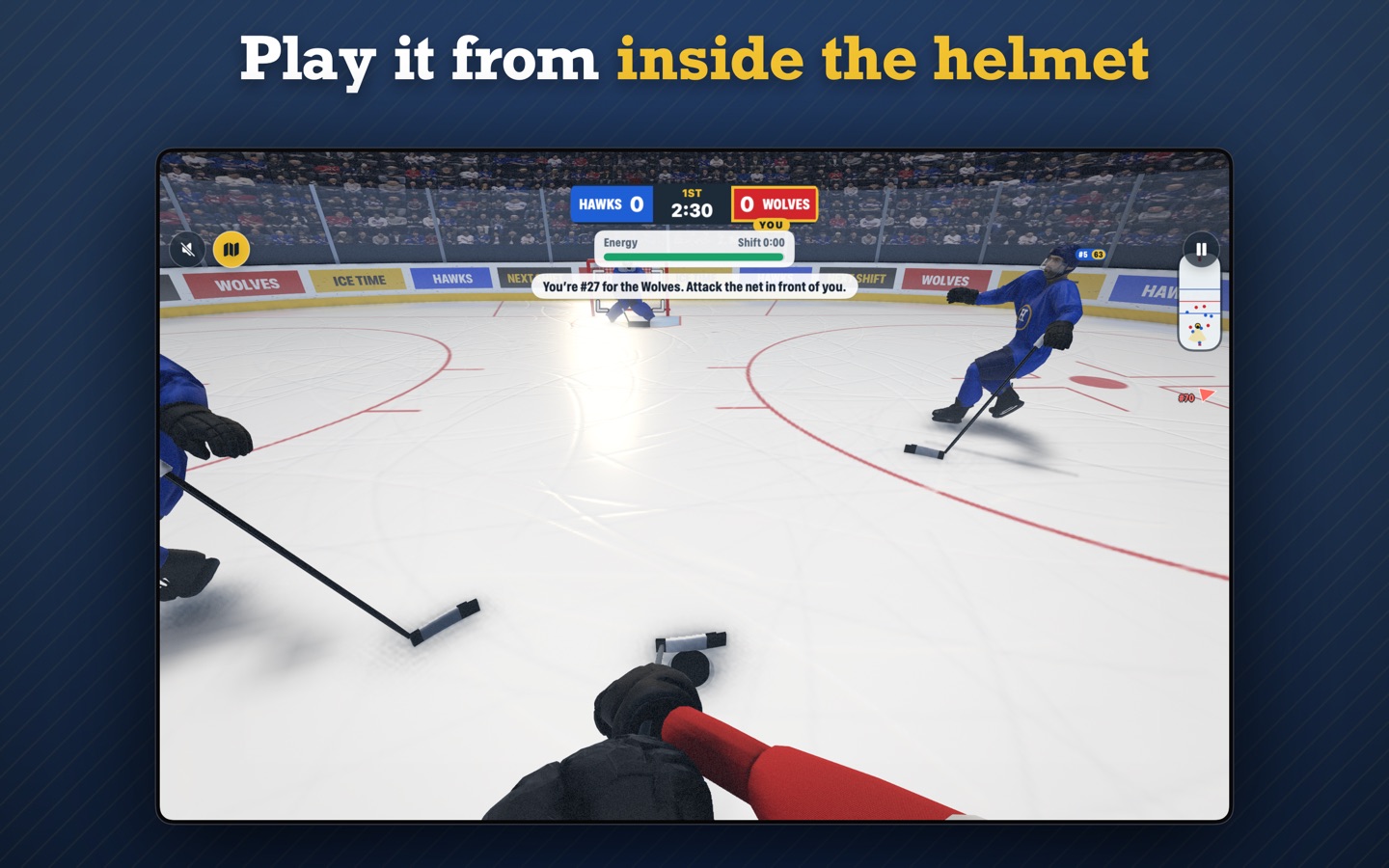
You play centre, in first person. Win faceoffs, call for the puck, one-time a pass, finish your checks, and get off the ice before your legs are gone.
Drop the gloves
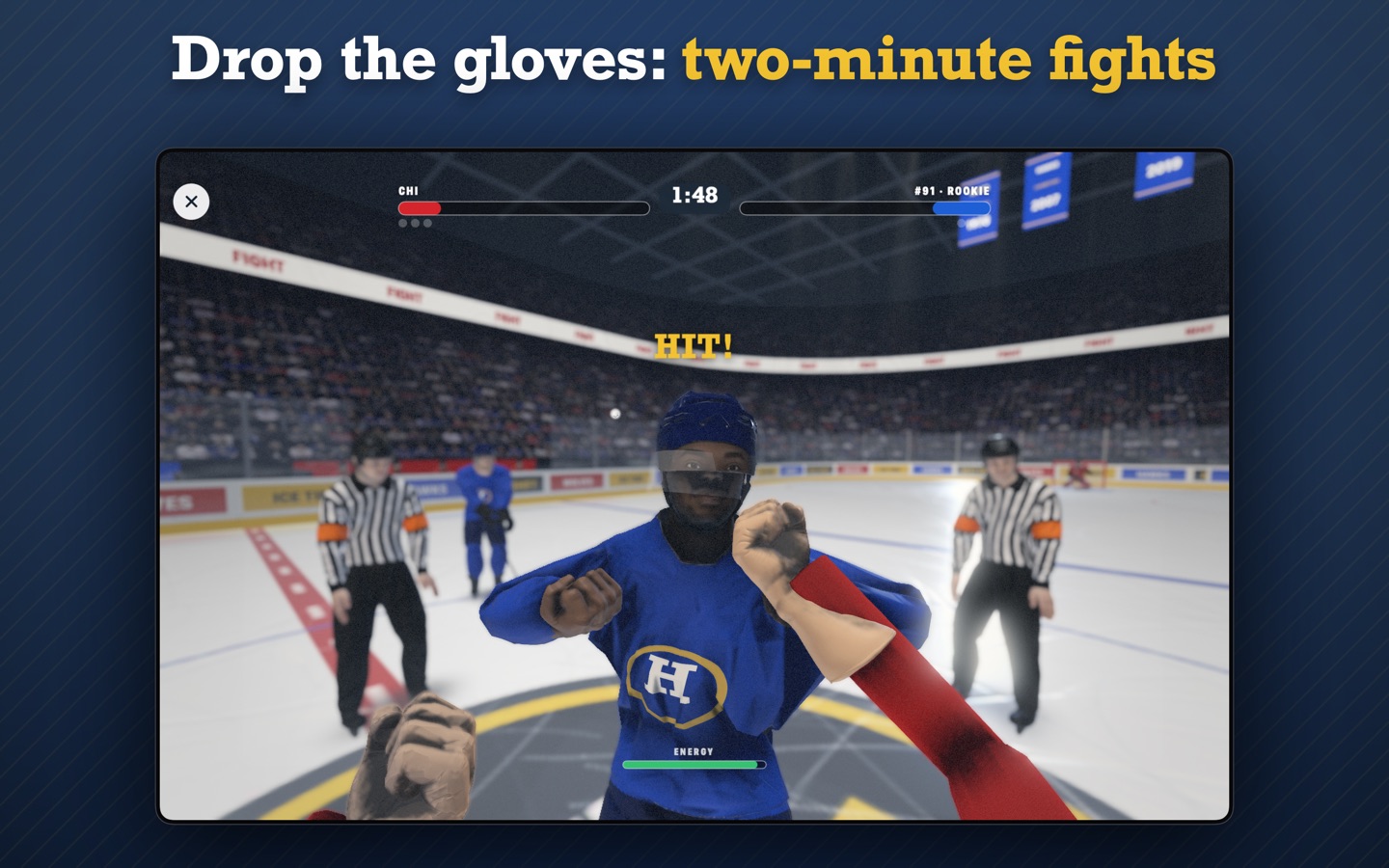
Fight mode is a two-minute bout through your own eyes. The gloves come off: jab, block, wind up for a haymaker, lean to slip a punch, circling across the ice as you trade. Land a big hit in a game and the other player may want to go.
Shootouts and sudden death
A tied game is settled from centre ice, and there is a shootout mode of its own. Sudden Death has no clock: next goal wins.
Rookie to All-Star
Pick your name, number, shooting side and look. Earn XP every game, even in a loss, and spend upgrade points on skating, shot, hands and checking.
Packs worth winning
Every win, in a game or a fight, drops a pack into one of four slots that unlocks over a few hours. Linemates for your line, plus stick tape, gloves and goal horns.
With other people
Play the computer, a friend in the same room, or anyone online through Game Center. A second iPhone can be your bench, with the whole rink on it.
The next update
- Playoffs: three best-of-five rounds, one game a day. Win the final for a cup on your profile.
- Legend cards, the rarest linemates, and merging three spare linemates into one of the next rarity.
- Share the clip: send a goal's replay or a knockout as a short video.
- Sharper players: much more detailed faces, cleaner jerseys and a clear visor.
Help
Write to hello@uxgency.com with what happened and, if you can, your device and its iOS, iPadOS or macOS version. We reply within a few working days.
How do I play?
On iPhone and iPad your left thumb skates and your right thumb is your stick: pull back, then flick to shoot. On a Mac, W/A/S/D skate and the mouse is your stick. A game controller works on all three. The ? button on the home screen has the full controls.
How do fights work?
The gloves come off and each thumb (or mouse button) is a bare fist: flick to jab, hold to block, wind up for a haymaker, lean to sidestep. Put the other player on the ice three times, or be ahead at the horn. There is no blood and nobody gets hurt.
Online games don’t start
Online play uses Game Center. Sign in under Settings → Game Center on both devices. Nearby games and the second screen need Wi-Fi or Bluetooth on, and Next Shift allowed on the local network (Settings → Privacy & Security → Local Network).
My profile didn’t move to my other device
Your profile syncs through iCloud. Sign in to the same Apple Account on both devices with iCloud Drive on, then open Next Shift on each.
When does my pack open?
Win packs unlock one at a time, in the order you won them, and each takes a few hours. Every game or fight you finish takes time off the one that is unlocking. If you allow notifications, the game tells you when a pack is ready. With all four slots full a win pays no pack, so open one first.
Are there purchases?
The shop sells optional looks: stick tape, gloves, goal horns, visor tints, alternate jerseys and goal celebrations. Buy one once and it works on your iPhone, iPad and Mac. Packs and upgrades are earned by playing: win packs can’t be bought or sped up with money.